
Available for :
- How to fix wampserver 2.5 yellow icon
- How to fix wampserver 2.5 orange icon
- How to fix wampserver 2.5 red icon
- How to fix wampserver 2.5 error localhost
- How to fix wampserver 2.5 could not permission
- How to fix wampserver 2.5 cannot open correctly
- How to install wampserver 2.5 on windows 7
- How to fix wampserver error opening port 80

1. Download wampserver in the official website and following both of link like on images below :


2. After you get all, please to install Microsoft visual C++ 2012 Redistributable (x86) -
11.0.61030 for first time, like on image below :


3. In order for this Installation to be properly, please Restart Your PC
4. Run IIS Manager, like on image below :

5. Stop Manager Server Actions and Change .Net Framework to The Last Version


6. And the Last Step, you can install wampserver 2 setup, and you can see the pass result.
Please Don't Install wampserver to System C:/ (OS partitions), Replace to another destination ex: on D:/ -- (This Step Updated at 2:37pm, 26 Sept 2015)


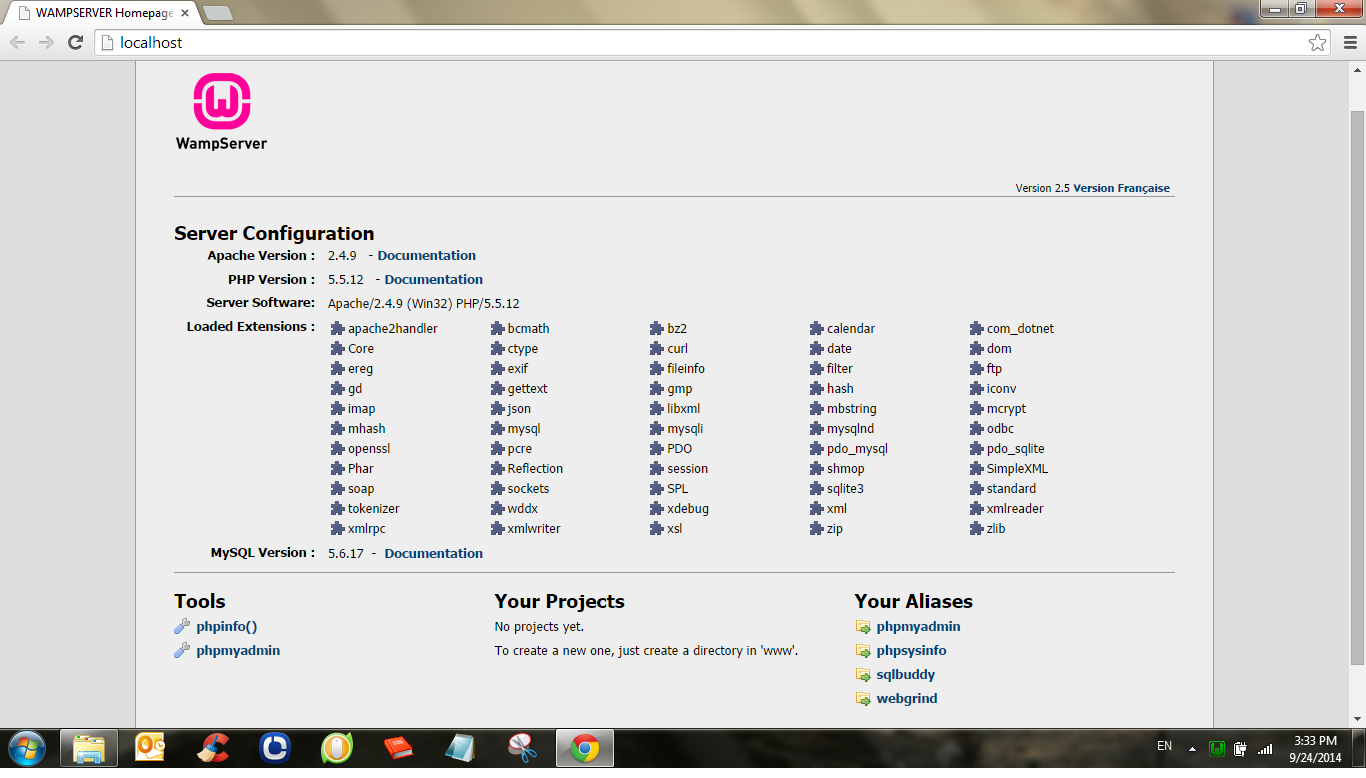

And it's time to Say Congratulations!!!
Thanks Marry,
BalasHapusPlease to integrate my page to your page and otherwise but still related with this content :D
setelah manage server di-stop dan .NET framework nya sudah diganti ke yang paling baru, apakah manage servernya harus di-start lagi??
BalasHapusHii Fardan M.
HapusTidak perlu gan, secara default bawaan windows, manage server akan selalu start setiap kita menyalakan komputer, jadi jika agan sedang menggunakan wampserver, maka STOP dulu manage servernya, agar akses wampserver tidak terblokir.
aahh... I see...
Hapusterima kasih gan buat infonya, really usefull
nice tutorial!
After hours of trying solutions from dozens of articles and forum pages, finally this one worked!!!
BalasHapusThanks.
Hallo ЗОРАН АКСИЋ, You are welcome
Hapusthanks this is works ;Di stop service from iis
BalasHapusHallo Hendry H. you are welcome, I'm glad to hear that
HapusI've installed windows 7 on my laptop after buying license from ODosta Store at: http://products.odosta.com
BalasHapusI want to activate it to get free upgrade from windows 7 professional to windows 10 home.
I'm now confused, How to activate and upgrade to windows 10.
Please mention within details.
thanks it really worked for me.
BalasHapusyou are welcome
Hapus